Where international guests get stuck in Korean accommodation · EP. 04
Guest experienceSelf check-in that makes building entrances and door locks clear
Introduction
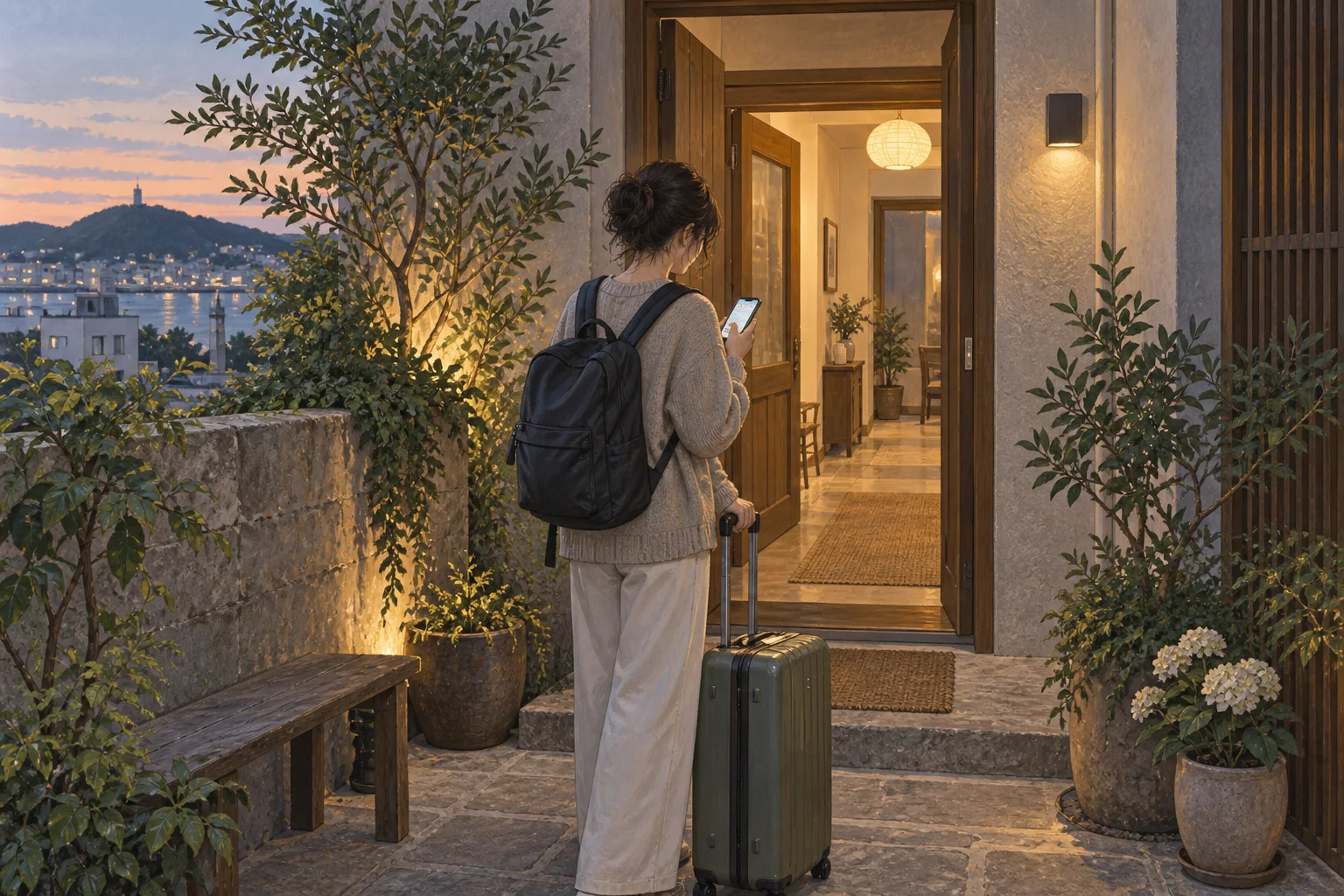
A guest with only “door code: 1234” may not know which keypad it belongs to. Explain each door's role and reveal codes when they are needed.

- Separate entrance and room codes can confuse guests about which keypad to use.
- Explain the input method for your actual lock model.
- Provide the address and directions ahead of time, and codes around check-in.
- Prepare two or three brief checks for when the door will not open.
- Update messages and instructions when a code changes.
Learn more
Clear instructions make self check-in convenient
Unstaffed accommodation and self check-in are familiar to many international travelers, but building entrances and digital locks in Korea vary by building and model. Separate building and room codes can make it particularly hard to know where to enter each value.
Where do guests get stuck?
Suppose you send only “door code: 1234.” A keypad at the ground-floor building entrance leaves the guest unsure whether this is the right door. Distinguishing the first door from the room door matters before sharing a number.
Input methods also differ. Some locks require a star after the digits, some need the screen awakened with a palm, and some properties use cards or key boxes too. Timing matters: revealing codes too early raises security concerns, while unavailable codes at check-in leave guests contacting the host outside the door.
What hosts can prepare
Separate building and room entrances
Give the ground-floor building entrance and room door their own steps, headings and photos.
Explain only your lock’s method
Check the actual input method and buttons instead of copying instructions for a similar model online. Update photos and instructions after replacing it.
Keep instructions and codes separate
Explain how to operate it in a card, and keep the actual code in its dedicated field. That reduces accidental exposure when editing instructions.
Prepare for a door that will not open
Give two or three relevant checks, such as rechecking the code, whether to push or pull and a battery warning, followed by a contact method.
Wording you can adapt
① On the keypad to the right of the ground-floor glass door, enter the building entrance code, then press #.
② Take the lift to the fourth floor and stand outside unit 402.
③ Touch the lock screen once with your palm to light it, enter the room door code, then press *.
If the door does not open, enter the code slowly once more. If it still fails, message us in this conversation.
Provide the actual codes separately at the appropriate check-in time.
In stayV Host
stayV Host manages arrival guidance and reservation-specific building, door-lock and key-box codes separately. The paid Plus plan lets arrival guidance appear in advance while codes become visible from check-in. Saving a code in stayV does not change the physical lock; adjust the lock through its manufacturer’s app or device separately.