

Using stayV Host
EP. 01
Create your first property guide
Create a property in stayV, add essentials such as its name, introduction and check-in time, and publish your first guide. Includes an introduction you can adapt.
HOST JOURNAL
Step-by-step guides for creating, reviewing and sharing a digital accommodation guide.
Open a chapter and go directly to the article you need.
STAYV HOST GUIDE · 01—33
Using stayV Host
EP. 01
Create a property in stayV, add essentials such as its name, introduction and check-in time, and publish your first guide. Includes an introduction you can adapt.

Using stayV Host
EP. 02
Check your property status, edit information and open the guest guide from the dashboard. Learn the difference between the guest link, Guide Code and door-lock code.

Using stayV Host
EP. 03
Learn what the property editor's 10 menus do, where to save ordinary fields and cards, and how to check your changes in Preview.

Using stayV Host
EP. 04
Help guests recognise the property they booked with a clear name and introduction, then register its address and map location accurately.

Using stayV Host
EP. 05
Choose the first photo guests see and introduce the person helping them during their stay. Includes a host introduction you can adapt.

Using stayV Host
EP. 06
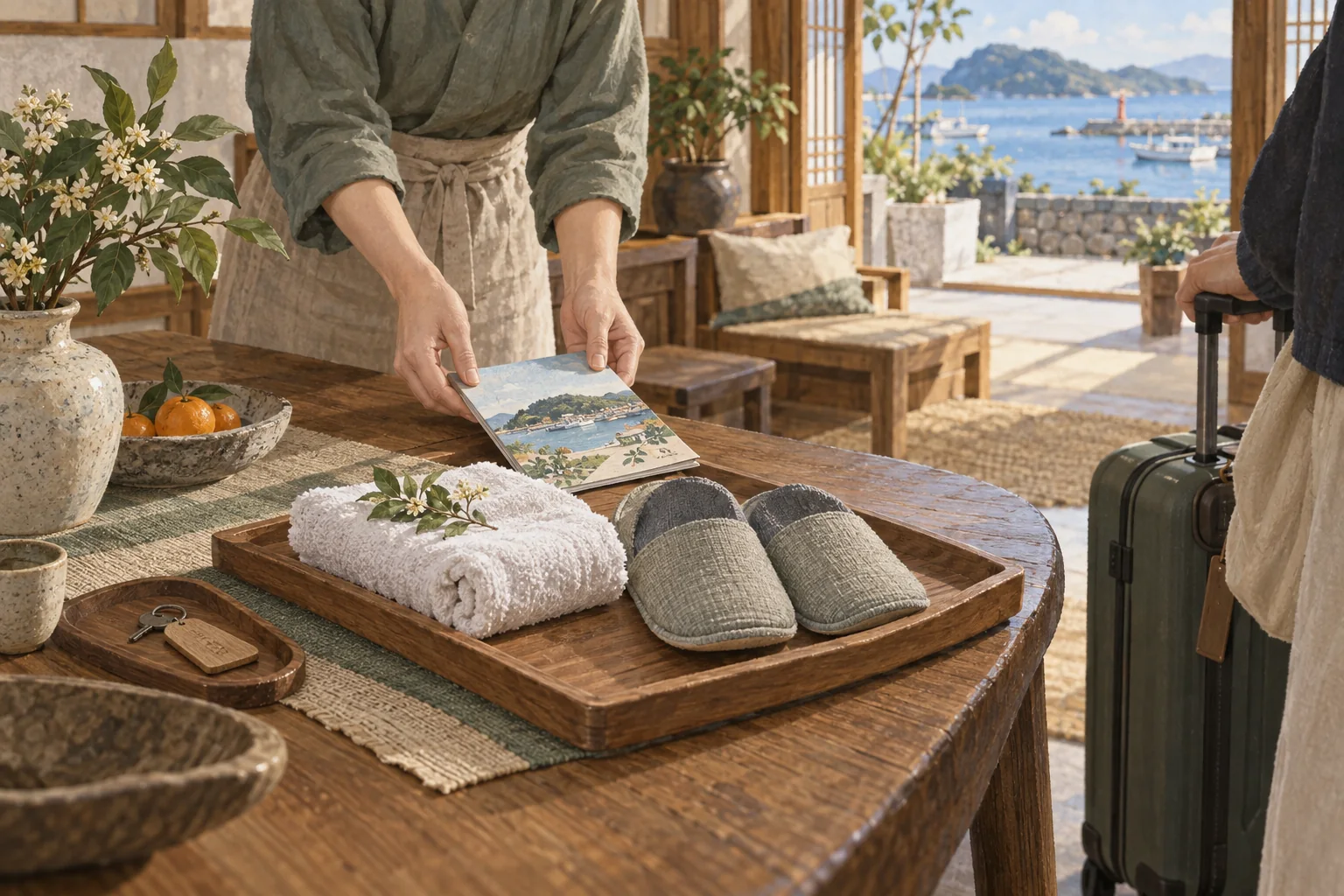
Create an arrival card that guides guests from the station to your entrance. Includes step-by-step examples and help choosing its audience.
Using stayV Host
EP. 07
Organise frequently requested information such as check-in times and Wi-Fi, then create useful cards such as departure instructions. Includes adaptable examples.
Using stayV Host
EP. 08
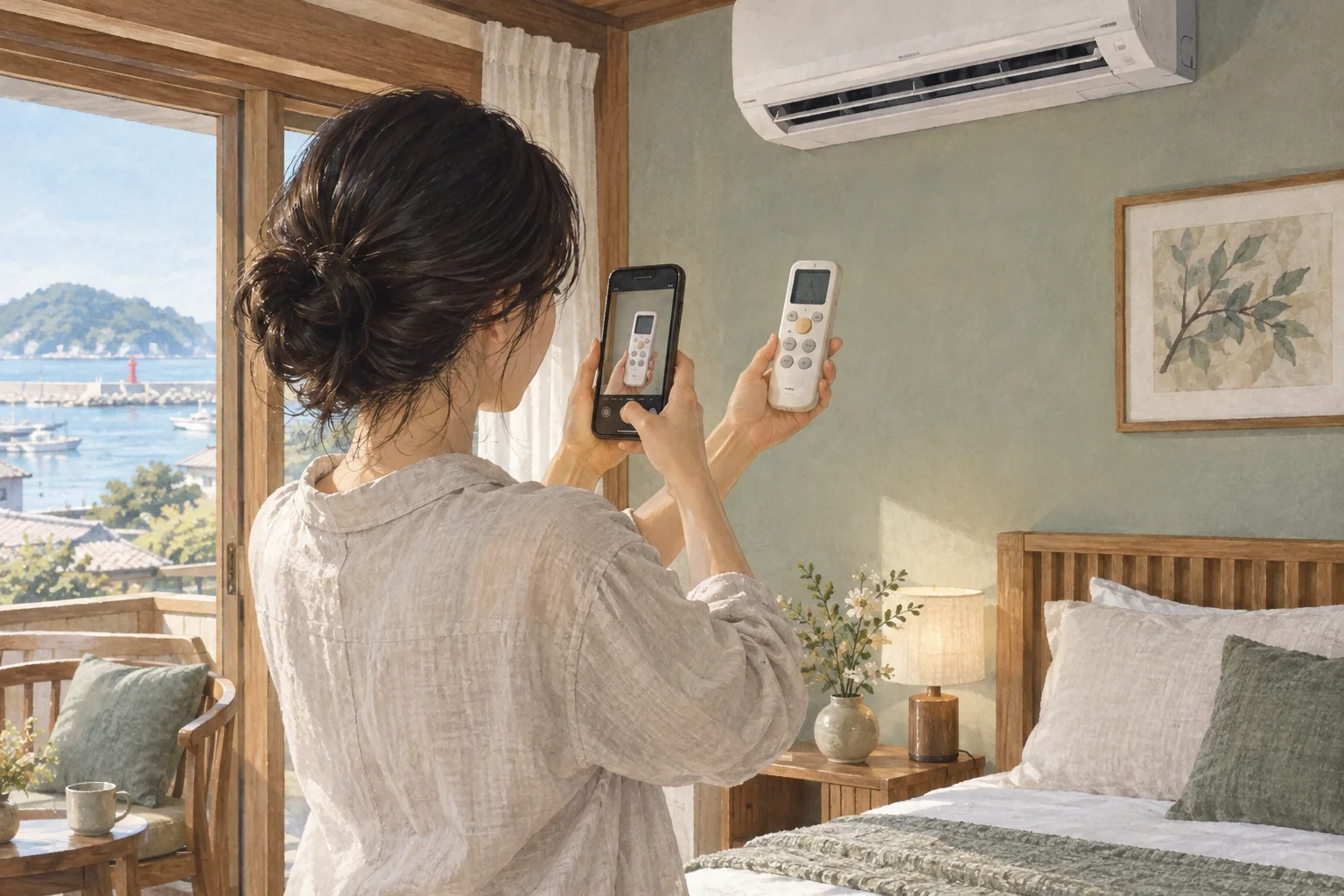
Create appliance cards guests can follow, helping answer questions such as which button to press on an air conditioner or boiler.

Using stayV Host
EP. 09
Separate rules guests must follow from questions they often ask. Includes examples for quiet hours, shoes and luggage storage.

Using stayV Host
EP. 10
Show Korean guidance in English, Japanese and Chinese. Follow the process from writing clear originals to reviewing translations and checking the guest view.

Using stayV Host
EP. 11
A new property needs to be published before guests can open its link. Review required fields, information hidden in photos and the final live guest view.

Using stayV Host
EP. 12
Send a published guide to guests and put a QR code in the room. Includes a message example and the difference between links, Guide Codes and door codes.

Using stayV Host
EP. 13
Open your finished guide as a first-time guest. Check Home, Guide, Rules, Nearby and Contact in the order guests use them.

Using stayV Host
EP. 14
Show nearby stations publicly, exact addresses to booked guests and entry codes when it is time to enter. Set each item's audience and check the guest view.

Using stayV Host
EP. 15
The property editor and Reservation operations do different jobs. Follow one reservation from checking its dates to preparing access information and messages.

Using stayV Host
EP. 16
Register Airbnb's calendar link in stayV to import dates without retyping them. Follow screenshots from finding the link to comparing the first imported dates.

Using stayV Host
EP. 17
An imported reservation may still need guest-guidance preparation. Compare it with the original, confirm it in stayV, then check codes and release times.

Using stayV Host
EP. 18
Record dates missing from external calendars, such as phone bookings or repair periods. Learn the difference between a direct reservation and a manual block, then check what you saved.

Using stayV Host
EP. 19
Let guests see the address before arrival and door codes when it is time to enter. Adjust reservation guidance windows for early check-in or late check-out.

Using stayV Host
EP. 20
Check which code opens each reservation's guide and explain changes clearly, so guests can distinguish Airbnb references from door codes.

Using stayV Host
EP. 21
Choose property message templates, adapt them to a reservation and send them in the Airbnb conversation. Includes a check-in message example.
Using stayV Host
EP. 22
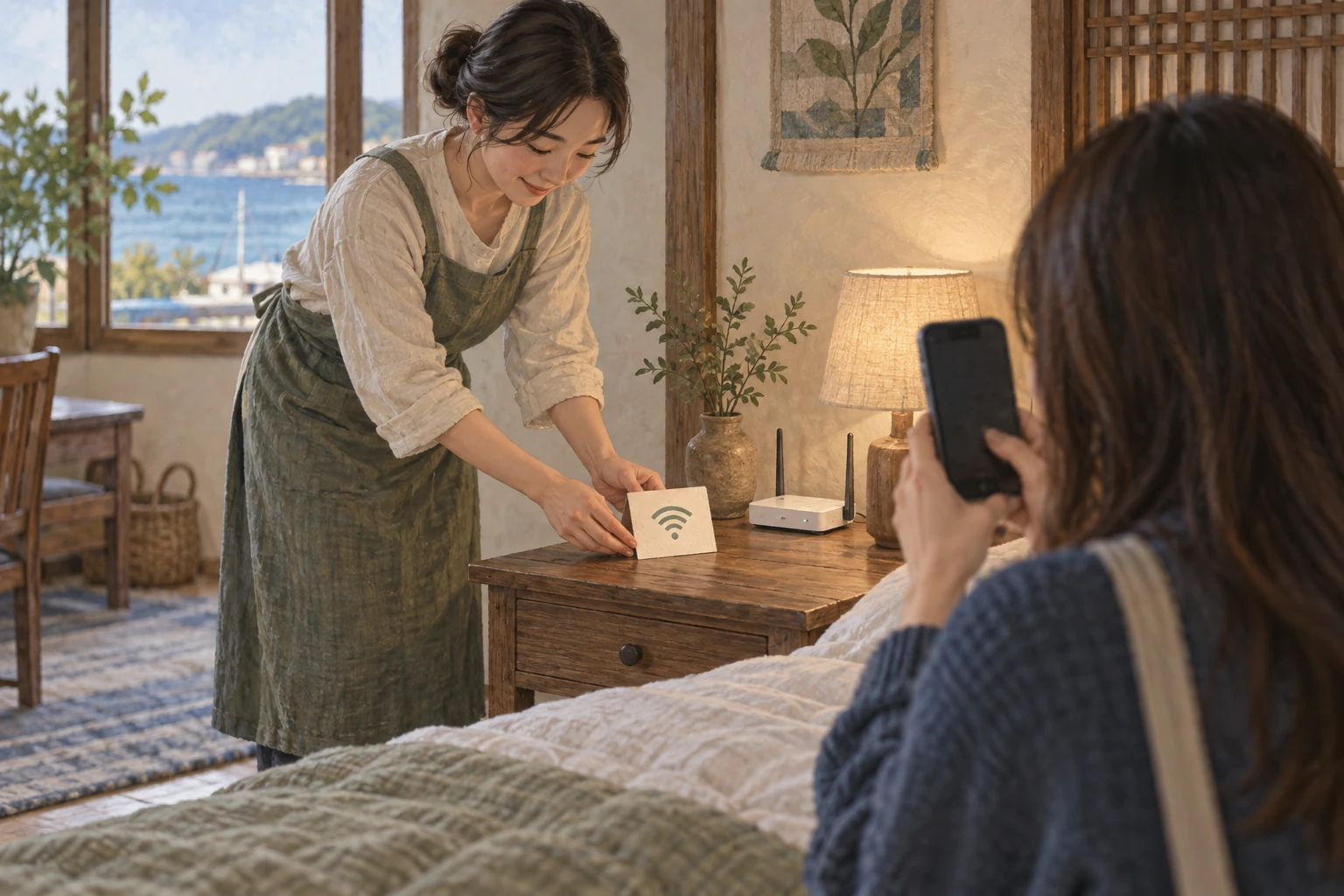
Let guests connect by scanning rather than typing a long password. Create, print and place a Wi-Fi QR code, then test it on a phone.

Using stayV Host
EP. 23
Open the public guide for printing to create a paper room guide or PDF. Learn what it includes, what it leaves out and when to replace it.

Using stayV Host
EP. 24
Help guests answer “Where can we go nearby?” Enable nearby tourism information, then follow a place card through to directions in an external map.

Using stayV Host
EP. 25
Prepare a Korean address guests can show a driver. Check a practical vehicle stopping point and follow the guest screen through to a taxi app.

Using stayV Host
EP. 26
Use visit and click records alongside real guest questions to choose what to improve. Review one property and period, then refine one instruction at a time.

Using stayV Host
EP. 27
Reuse rules and appliance instructions for a second property. Learn which copied details need review and which information must be entered again.

Using stayV Host
EP. 28
Choose the appropriate guide state when pausing or reopening a property. Compare public-access pauses, operational pauses and archiving, then check the link.

Using stayV Host
EP. 29
Check your login account and plan, then download the guidance and photos you created. Learn how property housekeeping differs from deleting an account.

Using stayV Host
EP. 30
When a button is missing or saving looks wrong, search the help centre and send a useful support question. Includes an example and information to leave out.
Using stayV Host
EP. 31
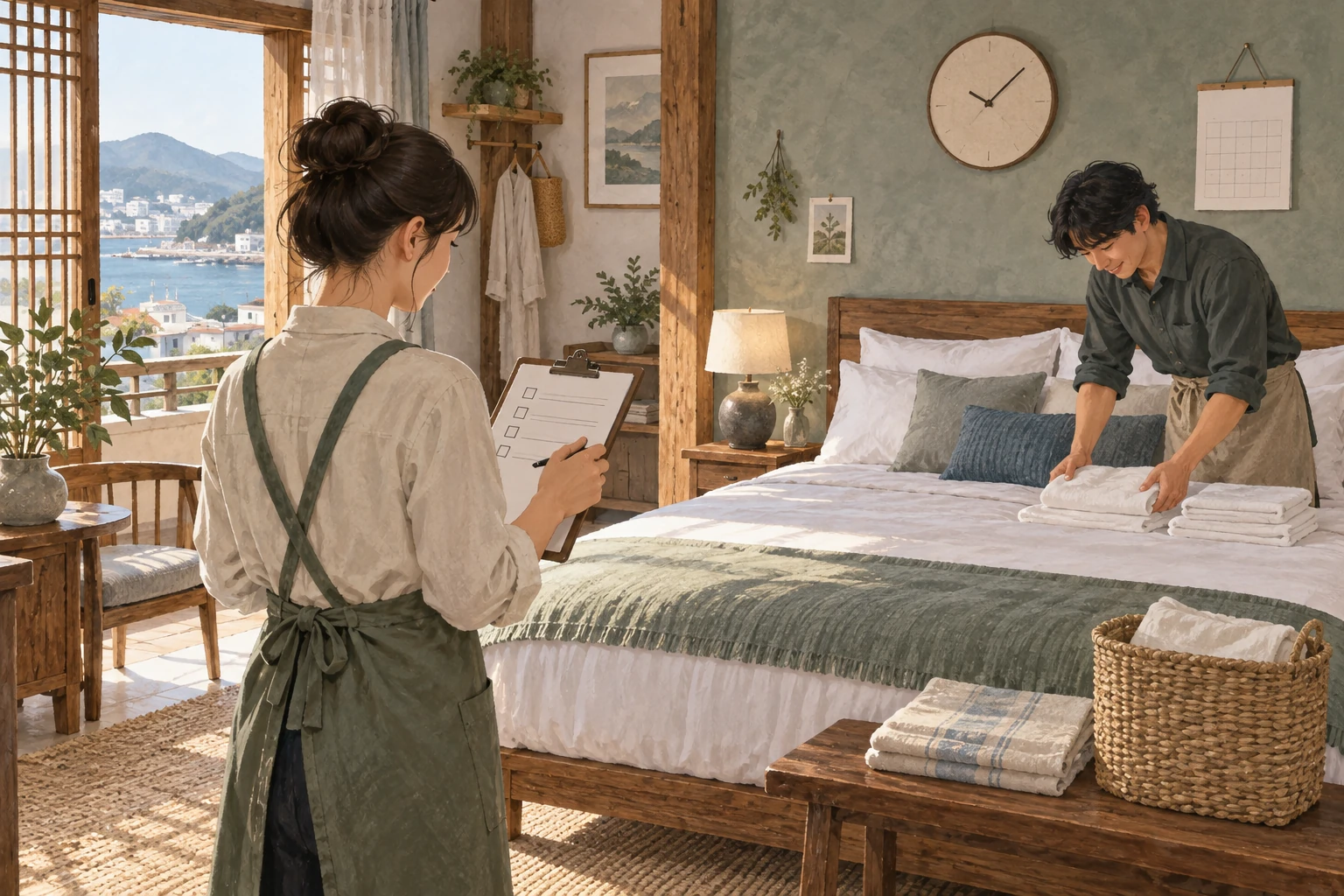
Plan cleaning and inspections between check-out and the next arrival. Follow today's tasks through creating work and recording completion.

Using stayV Host
EP. 32
Save condition notes and photos after cleaning to support later checks. These host-only records can be linked to the relevant work.

Using stayV Host
EP. 33
If a direct stayV reservation still leaves dates open in Airbnb, connect stayV's export link to block them there too.
WITH STAYV HOST
Bring check-in, Wi-Fi and accommodation instructions together in one mobile guide.